

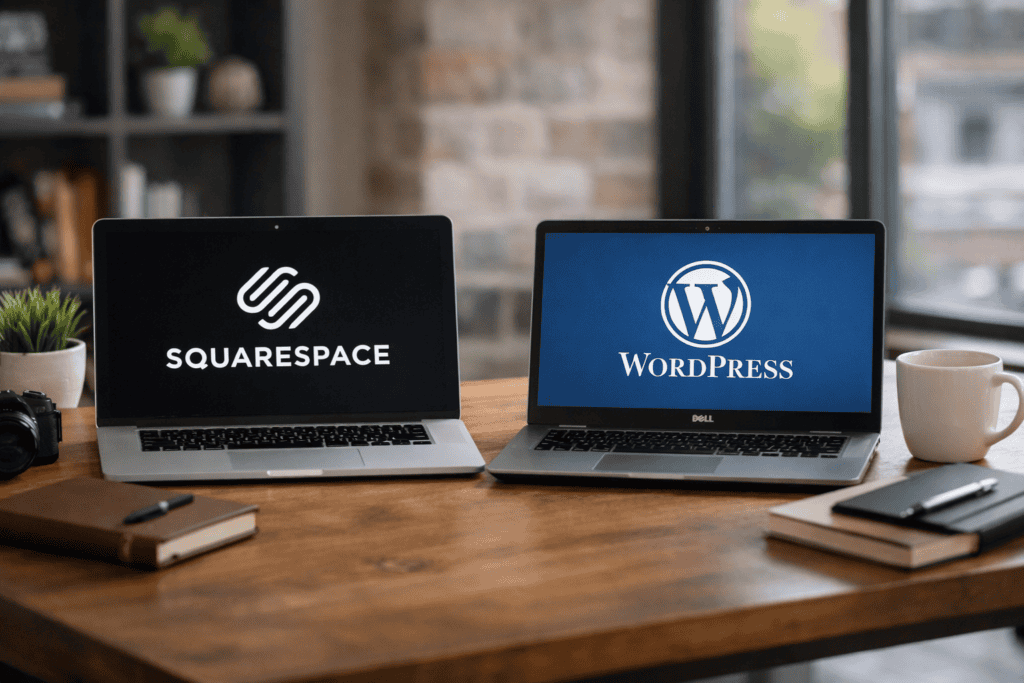
Squarespace and WordPress both suit small business websites, but they differ in cost, SEO control, and ongoing upkeep. Squarespace bundles hosting, templates, and updates into one subscription, which keeps maintenance simple and predictable. WordPress offers wider design and plugin choice, but hosting, security, and updates sit with the site owner or developer. This guide compares pricing, search visibility features, and the time required to keep each platform fast, secure, and reliable.
Key takeaways
- Compare total cost, including templates, extensions, hosting, and paid support time.
- Squarespace reduces maintenance with managed updates, security, and backups handled automatically.
- WordPress needs regular core, theme, and plugin updates to avoid security issues.
- Use WordPress when you need advanced SEO control via plugins and technical settings.
- Squarespace suits simpler SEO needs, using built-in tools for titles, meta, and sitemaps.
- Choose based on internal skills: Squarespace for non-technical teams, WordPress for flexibility.
Cost breakdown for small business sites: plans, hosting, themes, plugins, and developer time
Small business website costs split into recurring fees (platform, hosting, email) and one-off work (design, build, fixes). Squarespace bundles hosting, templates, security updates, and support into a single subscription, so budgeting stays simple. That simplicity can become expensive when a site needs features outside the plan, because custom code limits and add-ons often push businesses towards higher tiers.
WordPress usually costs less over time because you can control each line item. WordPress.org software is free, then you choose hosting, a theme, and only the plugins you need. Hosting ranges from low-cost shared plans to managed WordPress hosting; the right choice depends on traffic, uptime needs, and support expectations. Themes can be free or paid, and most small business sites only need one premium theme purchase, not an ongoing theme fee.
Plugins add cost, but they also prevent rebuilds. For example, Yoast SEO or Rank Math can cover technical SEO basics, while WooCommerce can replace a separate ecommerce platform. Developer time is the variable: WordPress can require occasional maintenance and compatibility checks, but that work buys portability, deeper customisation, and fewer forced upgrades tied to a single vendor.
SEO control and growth: technical SEO, on-page tools, and content scalability
Squarespace keeps SEO settings consistent and hard to break, while WordPress gives deeper control over technical SEO and long-term content growth. Squarespace covers the basics well: clean templates, automatic sitemaps, SSL, and simple page-level titles and descriptions. For a brochure site with a small number of pages, that can be enough.
WordPress scales better when SEO becomes a growth channel. You can control URL structures, redirects, schema markup, internal linking, and indexation rules with far more precision, especially when paired with plugins such as Yoast SEO or Rank Math. WordPress also supports larger content libraries, custom post types, and editorial workflows, which helps when you expand into guides, location pages, or product-led content.
Squarespace reduces maintenance overhead, but you accept platform limits and fewer advanced SEO levers. WordPress needs regular updates and sensible plugin choices, yet it offers the flexibility most small businesses need once rankings, content volume, and conversion testing become priorities.
Maintenance and security workload: updates, backups, performance, and risk management
Maintenance work comes down to four routines: applying updates, taking backups, checking performance, and reducing security risk. With Squarespace, the platform owner handles core updates, hosting patches, and most security hardening. That reduces admin time, but it also limits what you can tune when speed or compatibility issues appear.
WordPress shifts responsibility to the site owner: core, theme, and plugin updates can change behaviour, so testing and rollback plans matter. A managed host can automate much of this, but you still control the stack, including PHP versions, caching, and database optimisation. For backups, WordPress supports scheduled off-site copies and one-click restores through tools like UpdraftPlus, which helps recovery after failed updates or security incidents.
Security risk management is also clearer on WordPress because you can add a firewall and malware scanning with Wordfence and enforce stronger login policies. The workload is higher than Squarespace, but the control is stronger and scales better as the site grows.
Design, features, and integrations: templates, ecommerce, bookings, and third-party tools
Choose WordPress when design and features need to grow over time, because you can swap themes, add plugins, and connect specialist tools without rebuilding the site. Start by picking a modern, block-based theme that supports your key pages (home, services, about, contact) and matches your brand fonts and colours. Build layouts with the native block editor, then add only the features you need, such as ecommerce, bookings, forms, and live chat.
For ecommerce, install WooCommerce and confirm the theme supports product templates, cart, and checkout styling. For bookings, use a dedicated plugin such as Amelia or connect a hosted system like Calendly via embed. For email capture and CRM, connect Mailchimp or HubSpot and map each form to a clear list or pipeline stage. Keep tracking clean by adding Google Tag Manager once, then managing tags centrally.
Watch out for plugin overload. Too many overlapping plugins can slow pages, break layouts after updates, and create support gaps. Prefer well-maintained plugins with clear documentation, test changes on a staging site, and avoid page builders that lock content into shortcodes if you may redesign later.
Which platform fits a small business long term: when WordPress wins and when Squarespace is enough
Choose WordPress when the website needs to become a long-term business asset, not just an online brochure. WordPress keeps ownership in your hands: you control hosting, data, code, and the roadmap, so the site can expand without a rebuild as requirements change.
That flexibility comes from an open plugin and theme ecosystem and the ability to integrate services through APIs, webhooks, or custom development. A well-built WordPress site can also move between hosts, stage safely, and tune for speed with server-level caching and a CDN as traffic grows.
Squarespace is enough when the goal is a polished site with predictable admin time and limited custom needs. It suits businesses that publish a small set of pages, take simple payments, and prefer one vendor for hosting, updates, and support.
For most small businesses planning to add content, refine SEO, or connect specialist tools over time, WordPress wins on control and longevity. Squarespace remains the safer choice when internal capacity is low and the site is unlikely to outgrow built-in features.
Frequently Asked Questions
Which platform costs less for a small business website over 12–24 months: Squarespace or WordPress?
Squarespace often costs less over 12–24 months because hosting, templates, security, and updates sit in one fixed subscription. WordPress can be cheaper only if you use low-cost hosting and minimal paid plugins. Once you add premium themes, backups, security, and developer help, WordPress usually costs more.
What ongoing maintenance tasks does a WordPress site require compared with Squarespace?
WordPress needs regular updates and checks. You must update the core software, theme, and plugins, back up the site, monitor security, and fix plugin conflicts or broken layouts.
Squarespace handles updates, hosting, backups, and security for you. Maintenance mainly involves editing content and reviewing basic settings.
How do Squarespace and WordPress compare for local SEO, including location pages and Google Business Profile support?
WordPress gives more control for local SEO, especially with dedicated location pages, schema markup, and SEO plugins. Squarespace covers the basics well, but offers fewer advanced local SEO tools. Both can support Google Business Profile: you manage the profile in Google, then add consistent NAP details and embed maps or reviews on your site.
Which platform gives better control over technical SEO elements like URL structure, redirects, schema markup, and XML sitemaps?
WordPress gives stronger control over technical SEO. You can set custom URL structures, manage redirects in bulk, add schema markup precisely, and control sitemap rules with plugins. Squarespace covers the basics with cleaner defaults and automatic XML sitemaps, but it offers fewer advanced controls and less flexibility for complex redirect and schema needs.
How do Squarespace and WordPress differ for improving site speed and Core Web Vitals?
WordPress gives more control over speed, but you must manage it. Use fast hosting, page caching, image compression, and limit heavy plugins to improve Core Web Vitals (LCP, INP, CLS).
Squarespace handles most performance tuning for you, with fewer settings to change. You mainly optimise images, reduce embeds, and keep layouts simple.
What security responsibilities do you take on with WordPress hosting versus Squarespace’s managed setup?
With WordPress hosting, you manage most security tasks. Keep WordPress, themes, and plugins updated, enforce strong logins, run backups, and add malware scanning and a firewall if needed.
Squarespace handles platform updates, hosting security, and core protections for you. You still control account security, passwords, and user access.
When does WordPress become the better choice for scaling content, adding features, or integrating third-party tools?
Choose WordPress when you expect frequent content growth, custom page types, or complex SEO needs. It suits sites that require specialised plugins, advanced forms, membership areas, or e-commerce extensions. It also becomes the stronger choice when you must connect multiple third-party tools through APIs, webhooks, or a CRM, and need full control over hosting and performance.